How each patient-consent video is made — from script to finished animation.
Download the workflow packThe complete toolkit — skills, setup guides and this presentation — as one download.
The pipeline at a glance
Seven stages, in order
A consistent path for every video. Three natural checkpoints let your team review and approve before the next stage of work begins.
01SetupFolders + AI services
→
02Storyboard
Review
→
03 · parallelVoice-overRuns alongside
→
04Scene BreakdownIsolated parts
→
05First / Mid / Last Frames
Review
→
06Kling Animation
Review
→
07Wrap-up & DeliveryPackage to editor
Automated step Runs in parallel Your review & approval
How review works at each gold gate
You review
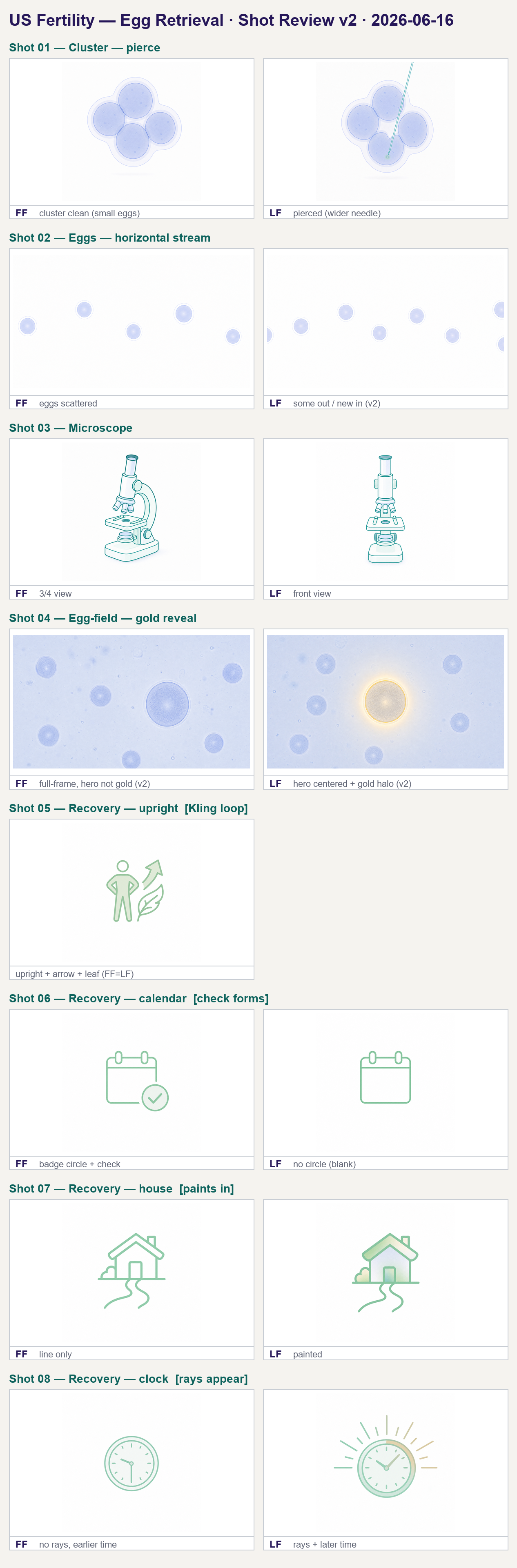
At each checkpoint we lay every option out on a single contact sheet, so you can compare at a glance and approve in one pass before work continues.
One sheet, one decision — nothing moves to the next stage until it's signed off.
Stage by stage
A closer look at each step
01
Setup
It's automatic
A tidy, identical home is created for the video — one folder per scene, with sub-folders for each kind of visual. This same step also connects the AI services that will do the drawing, the voice, and the animation, so everything downstream lands in the right place.
B1-01_Egg-Retrieval/
├─ 03_storyboard/
├─ 04_assets/
│ ├─ Scene_1_Shots/
│ │ ├─ hero/# the lead graphic
│ │ ├─ decorations/# supporting parts
│ │ └─ cinematic/# first / last frames
│ ├─ Scene_2_Shots/
│ └─ Scene_3_Shots/…
├─ 05_final-scenes/
└─ 06_exports/
Why it matters: every video is built the same way, so nothing is misplaced and any scene can be found in seconds.
02
Storyboard
You review
Each scene is composed into a finished-looking frame so you can see exactly how the video will feel before any animation begins. This is the first approval gate.
Every storyboard frame carries the three USF building blocks: the hero graphic (the lead illustration), the headline (navy, calm, sentence case), and the chips (small labels that hold a fact or a step).
03
Voice-over · runs in parallel
It's automatic
While the visuals are being built, the narration is produced in parallel from the approved script — so the two halves of the video come together without waiting on each other.
Warm clinical voice — locked & pilot-approvedA short sample of the approved take. The same voice profile is used across the whole library for consistency.
04
Scene Breakdown
It's automatic
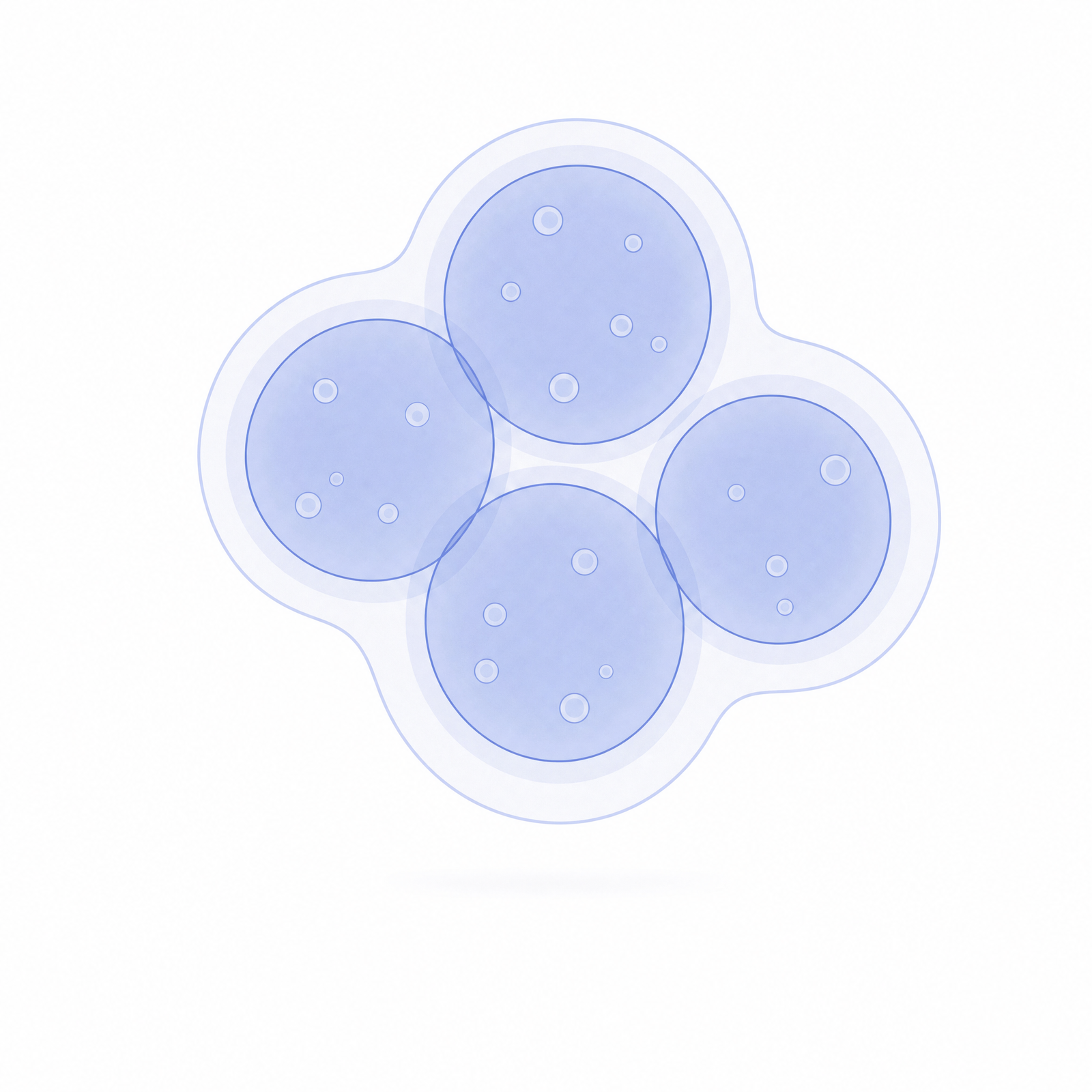
The approved scene is separated into its individual parts, each drawn cleanly on white. Splitting one picture into separate pieces is what lets us animate each element on its own, precisely.
The whole subject
→
Part
Part
One picture becomes separate, animatable parts — each with matching texture and lighting so they recombine seamlessly.
05
First / Mid / Last Frames
You review
Around the approved middle moment, we generate the exact opening and closing frames of the shot. This is the second approval gate — once the three frames are right, the motion is predictable.
First frame
→
Approved middle
the moment your team signs off on
→
Last frame
We generate the first and last frame around the approved middle, so two 5-second clips join into a seamless 10-second shot with no visible cut.
06
Kling Animation
You review
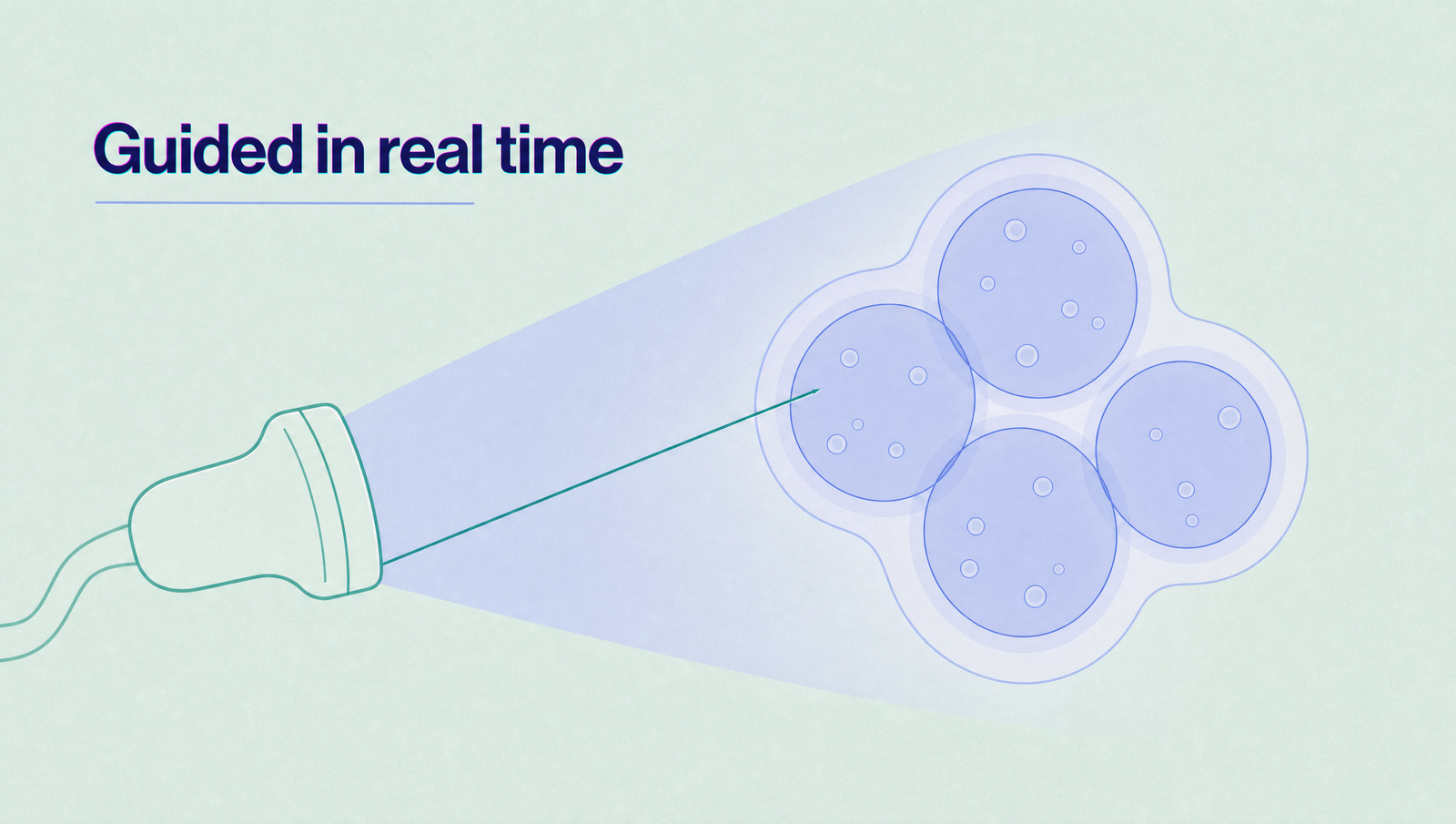
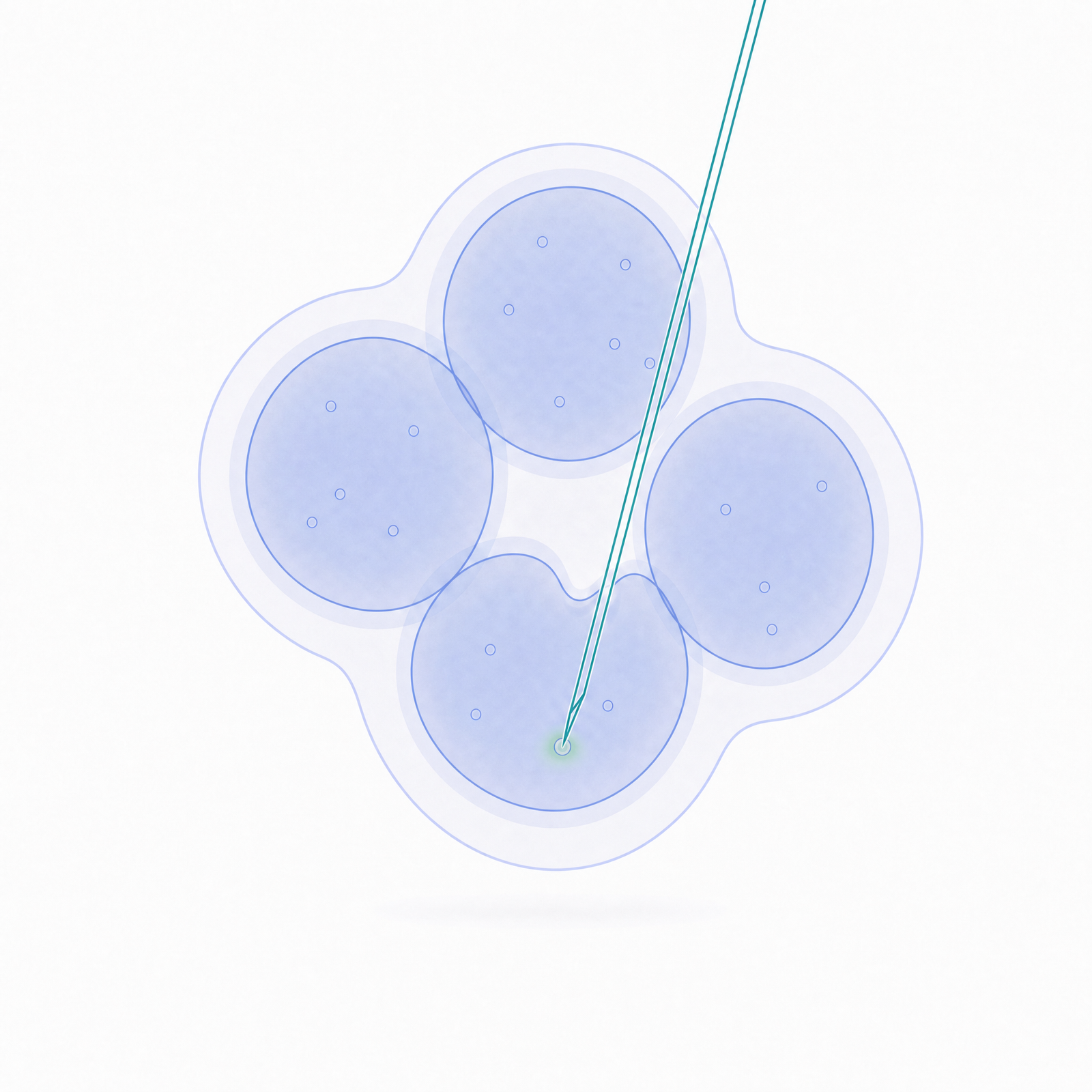
The approved frames are handed to the animation model, which fills in the motion between them. The result is a smooth, on-brand clip — reviewed before it enters the edit.
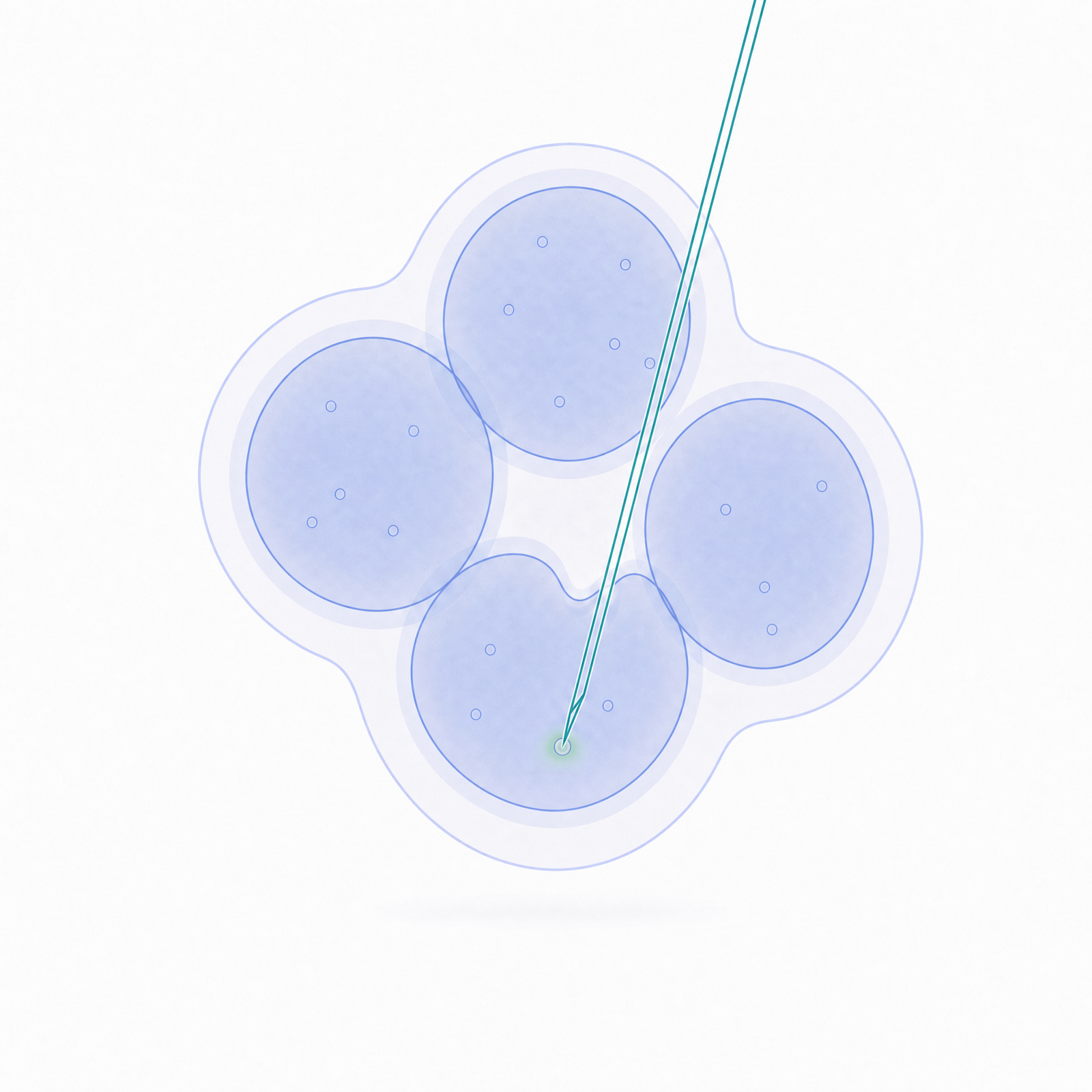
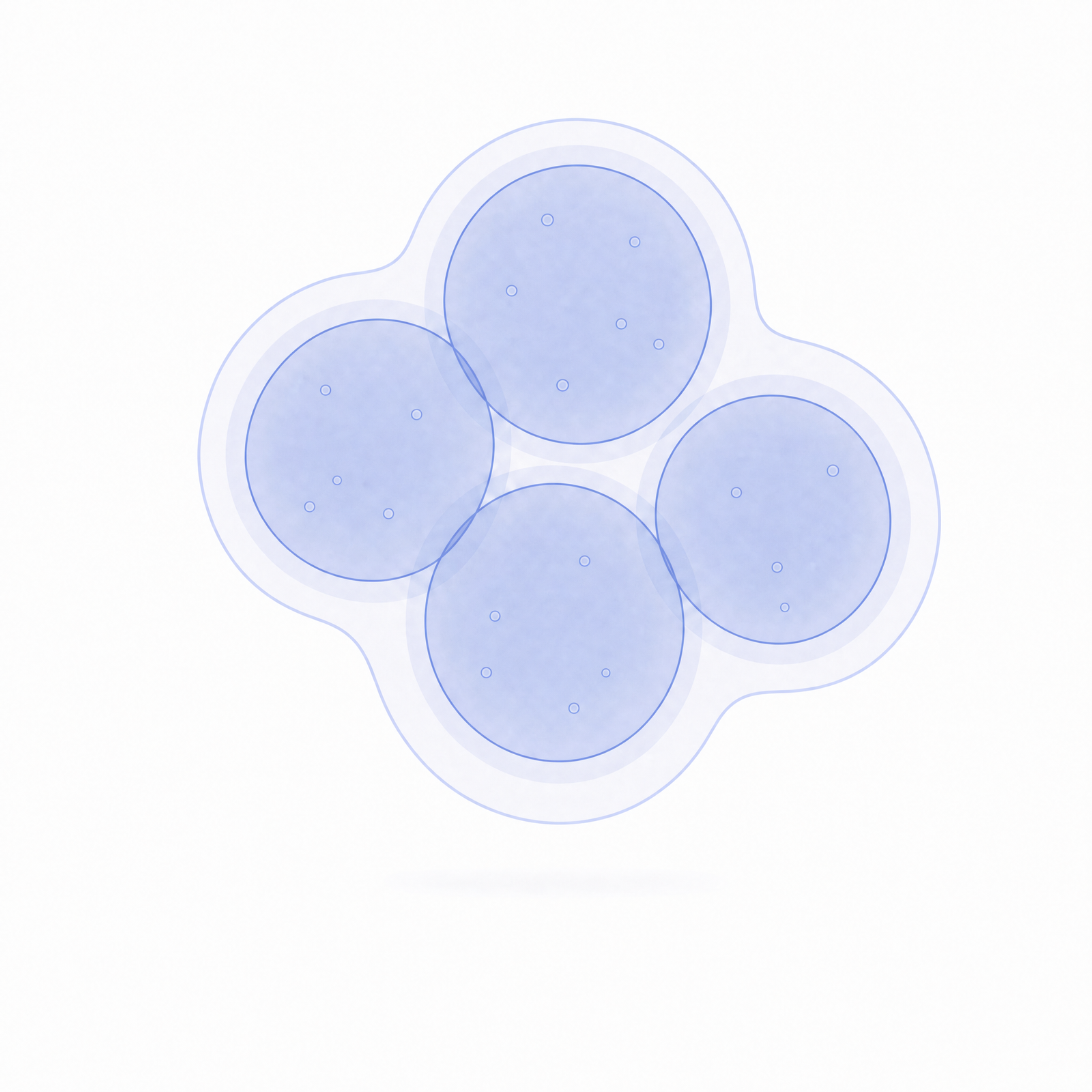
Cluster pierce
Gold reveal — the single special moment
The frames above, brought to life. Gold appears exactly once in a video, to mark the one moment that matters most.
07
Wrap-up & Delivery
It's automatic
Every approved clip, frame, and voice track is checked, gathered, and packaged, then handed off to the editor for final assembly — nothing missing, nothing loose.
Verified package
clips + frames + voice-over, organized per scene
→
Editor
final assembly & export
Verifies every asset is presentZips the packageHands off to the editor
Under the hood
What each step uses
A short, honest map of the tools behind the workflow. You never touch these directly — they run inside the steps above.